 Uncorked Conversations
Introduction to Wine Tasting Apps for Beginners
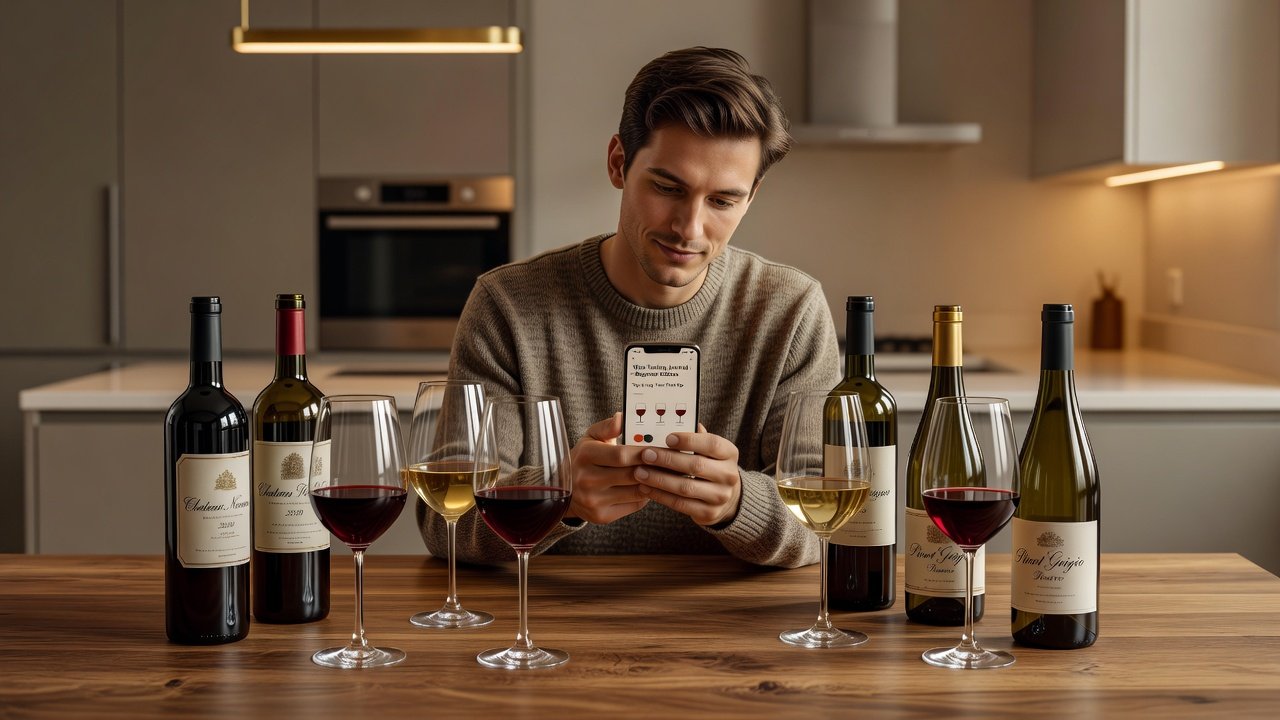
Learning how to taste wine effectively starts with consistent practice, and mobile apps make it easier than ever in 2026. Whether you are exploring "how to taste wine" or building foundational skills as a beginner, these tools help log aromas, create flavor maps, and track progress over time. Apps turn casual sips into structured learning sessions that improve your palate through repetition and community insights. Beginners often struggle with identifying subtle notes like blackcurrant, wet stone, or herbal undertones. Dedicated tasting apps provide guided prompts, searchable databases, and progress trackers to accelerate skill development. This guide covers the leading options, practical tutorials, and strategies to integrate apps into your routine for lasting improvement. Over the coming sections we will examine real workflows, sample note entries, and ways to combine digital logging with in-person tastings so your skills compound quickly.
Many new enthusiasts begin by simply rating wines on a scale of one to five, yet the real value emerges when you start dissecting aromas and flavors systematically. Apps encourage this deeper engagement by offering preset descriptor lists drawn from professional tasting wheels. As a result, users develop a shared vocabulary that makes conversations with sommeliers or fellow hobbyists far more productive. The daily habit of recording even a single glass builds sensory memory that no single class can replicate.
Why Mobile Apps Excel for Daily Tasting Practice
Traditional wine education relies on books or occasional classes, but apps enable daily micro-sessions that fit around busy schedules. Users can log a single glass in minutes, compare notes with millions of others worldwide, and receive personalized recommendations based on past entries. This approach builds muscle memory for aroma recognition and flavor profiling far more effectively than sporadic tastings. Key benefits include searchable tasting histories, community ratings that surface popular descriptors, and exportable notes for personal archives. Over weeks and months, clear patterns emerge that reveal both personal preferences and areas where your palate needs more exposure, such as under-developed detection of acidity or oak influence.
Another advantage is the ability to photograph labels instantly, pulling up technical details like grape variety, region, and vintage without manual typing. This speed encourages more frequent logging, which in turn accelerates learning. Beginners who commit to five entries per week typically report noticeable improvement in descriptive precision within a month, according to user forums on major platforms.
Top Apps: Vivino, Delectable, and Strong Alternatives
Vivino remains the most popular choice for beginners due to its massive database and simple scanning feature. Users photograph labels to access crowd-sourced reviews, average ratings, and suggested food pairings instantly. The app also surfaces similar wines based on your logged preferences, helping you discover new bottles without guesswork.
Delectable focuses on community-driven notes and beautiful photo integration, making it ideal for visual learners who want to document each tasting session with high-quality images of the wine in the glass. Its social feed allows you to follow experienced tasters and borrow their descriptor choices while developing your own style.
Strong alternatives include CellarTracker for serious collectors who want to manage large inventories alongside tasting notes, and Wine-Searcher for cross-referencing availability and market context. Each app emphasizes different strengths: Vivino for volume of data, Delectable for social engagement, and the others for specialized tracking. Decanter offers excellent written guides that complement any app-based practice, while Wine Spectator provides professional tasting frameworks you can adapt inside these mobile tools.
Step-by-Step Tutorial: Logging Aromas in Vivino
1. Download the app and create a free account using email or social login. Grant camera permission for label scanning.
2. Point your phone at a bottle label; the app recognizes it within seconds and loads existing community data.
3. Tap the tasting icon and scroll through aroma categories such as fruit, spice, earth, floral, or vegetal.
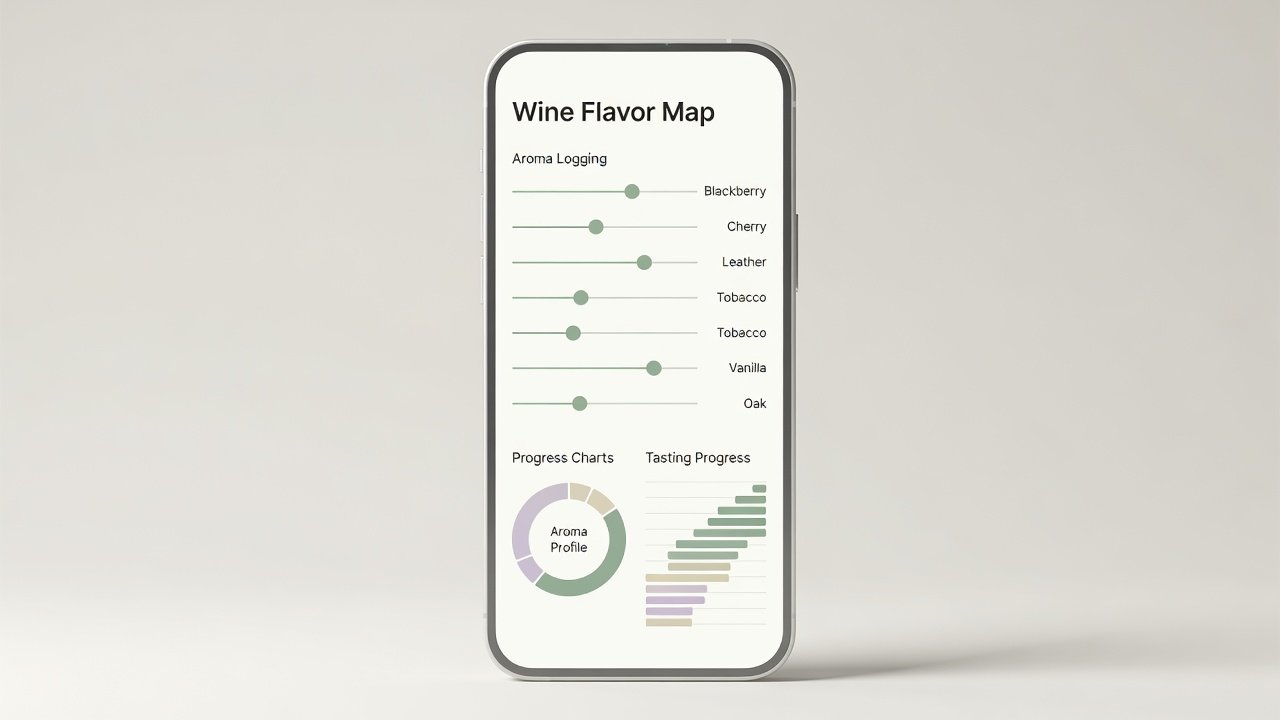
4. Use the built-in intensity sliders to rate each selected note on a one-to-five scale, then add free-text descriptors like "ripe strawberry" or "crushed graphite."
5. Rate overall quality and save. Immediately compare your entry against the community average to spot where your perceptions differ.
6. Repeat this process daily with different wines to build a personal aroma vocabulary that grows richer over time.
After ten logged sessions, review your history to see which descriptors you overuse and which you rarely notice; this self-audit highlights training opportunities.
Building Flavor Maps and Tracking Progress
Flavor maps visualize how wines connect through shared characteristics. In Delectable, start by logging a baseline wine such as a Cabernet Sauvignon, then add related bottles like Merlot or Syrah and draw visual connections between tannins, acidity, and fruit notes. Over time, the app generates charts showing your palate evolution, for example highlighting improved detection of secondary aromas after consistent practice. Progress tracking features let you set weekly goals, such as tasting three new varietals or focusing on one region. Review monthly summaries to identify improvements in descriptive accuracy and confidence when blind tasting.
Practical example: Log a New Zealand Sauvignon Blanc noting strong passionfruit and cut grass. Two weeks later log a Sancerre and note the same grassy note at lower intensity alongside mineral tones. The side-by-side map reveals regional differences you can reference later.
Free vs Paid Comparisons Across Leading Apps
Most apps offer robust free tiers with core logging, scanning, and basic community access. Paid upgrades unlock advanced analytics, ad removal, detailed export formats, and exclusive virtual tastings. Choose based on how frequently you taste and whether you need professional-grade records for study or sharing. Free versions suffice for casual daily practice, while paid tiers become worthwhile once you exceed twenty entries per month or want to export structured data for spreadsheets.
Integrating Apps with Physical Tastings and Events
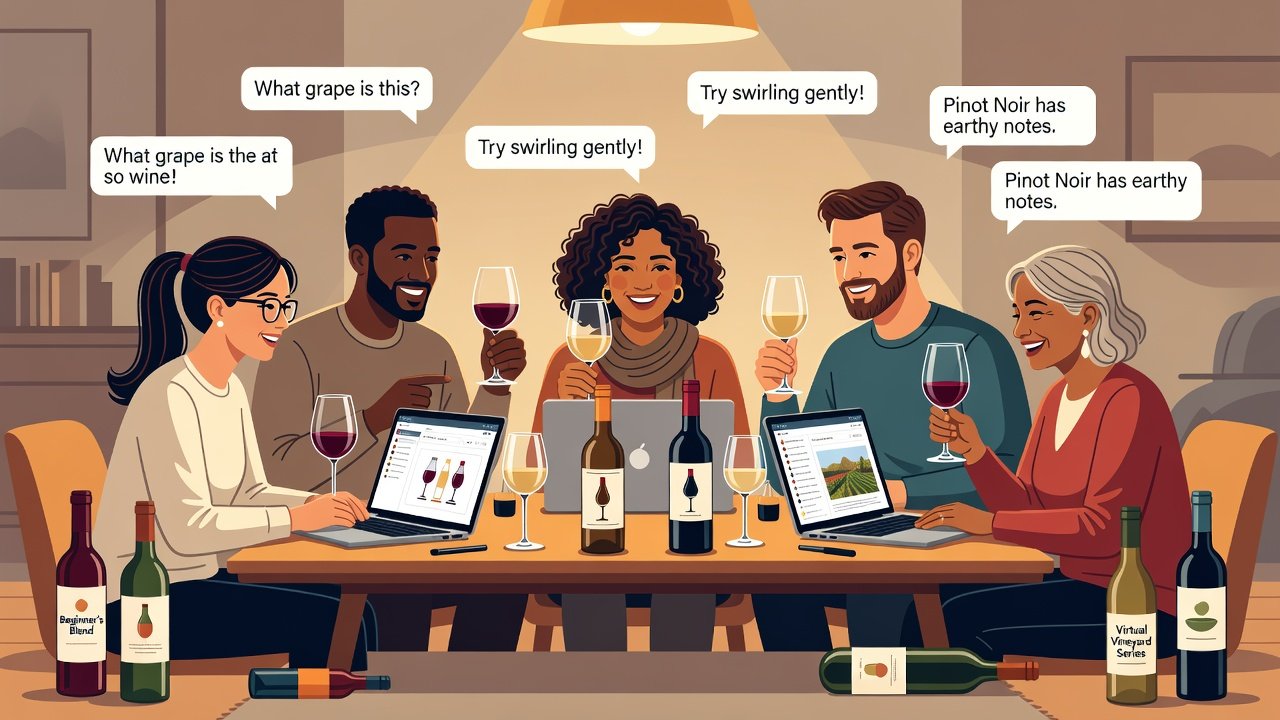
Bring your phone to winery visits, restaurant tastings, or home gatherings. Log notes immediately while aromas remain vivid in memory. Many apps support offline entry that syncs automatically once you regain connectivity. During group events, use the app to poll friends on shared descriptors and create collective flavor maps. This collaborative approach turns social occasions into structured learning opportunities without disrupting conversation flow.
Practical Note-Taking Templates
- Basic template: Wine name and vintage, primary aroma intensity (1-5), top three flavor notes, overall score out of 100, suggested food pairing.
- Advanced template: Add mouthfeel descriptors (tannin, acidity, body), blind tasting guess before reveal, aging potential estimate, and personal emotional reaction such as "refreshing" or "complex."
- Progress template: Date, wine, key improvement area (for example better tannin detection), comparison to previous similar wine, and next goal for the week.
Filled example using the advanced template: 2024 Marlborough Sauvignon Blanc – aromas: passionfruit (4), lime zest (3), wet stone (2); palate: high acidity, light body; blind guess correct; pairing: goat cheese salad; reaction: vibrant and thirst-quenching.
Quick-Start Checklist for New Users
- Install at least two apps to compare interfaces and databases.
- Log your first three wines using only the guided prompts before adding custom notes.
- Join one community discussion thread and comment on another user’s entry.
- Export your first month of notes in CSV format for backup.
- Set a recurring calendar reminder for daily tasting practice at the same time each evening.
- Photograph three bottles in your current collection and add them to a virtual cellar.
- Attempt one blind tasting using only app descriptors without looking at the label first.
Common Pitfalls to Avoid
Over-relying on community scores instead of forming your own opinions leads to homogenized tasting notes. Skipping the aroma logging step and jumping straight to overall ratings prevents vocabulary growth. Failing to export data regularly risks losing valuable tasting history if an account is compromised or a device is lost. Another frequent mistake is tasting too many similar wines in a row without variety, which limits exposure to new flavor families. Finally, neglecting to update older entries after your palate improves can leave inaccurate historical data that skews future progress reports.
FAQ: Privacy, Data Export, and More
How do these apps handle personal data? Most comply with standard privacy regulations and allow users to control sharing settings. Review each app’s policy before uploading sensitive tasting locations or photos that might reveal your habits.
Can I export my tasting notes? Yes, premium tiers usually support CSV or PDF exports suitable for spreadsheets or printing. Free versions often allow manual copy-paste or limited downloads.
Are the apps suitable for complete beginners? Absolutely. Start with the guided modes in Vivino or Delectable to learn terminology gradually without feeling overwhelmed.
Will using an app replace the need for in-person classes? Apps complement classes beautifully by providing daily reinforcement between formal sessions, but nothing replaces the feedback of a live instructor for nuanced correction.
Consistent use of these tools transforms beginners into confident tasters who understand their preferences deeply. Begin today and revisit your notes in six months to see the remarkable progress you have made through structured, repeatable practice.
No comments yet. Be the first!