 Uncorked Conversations
Introduction to Digital Wine Tasting in 2026
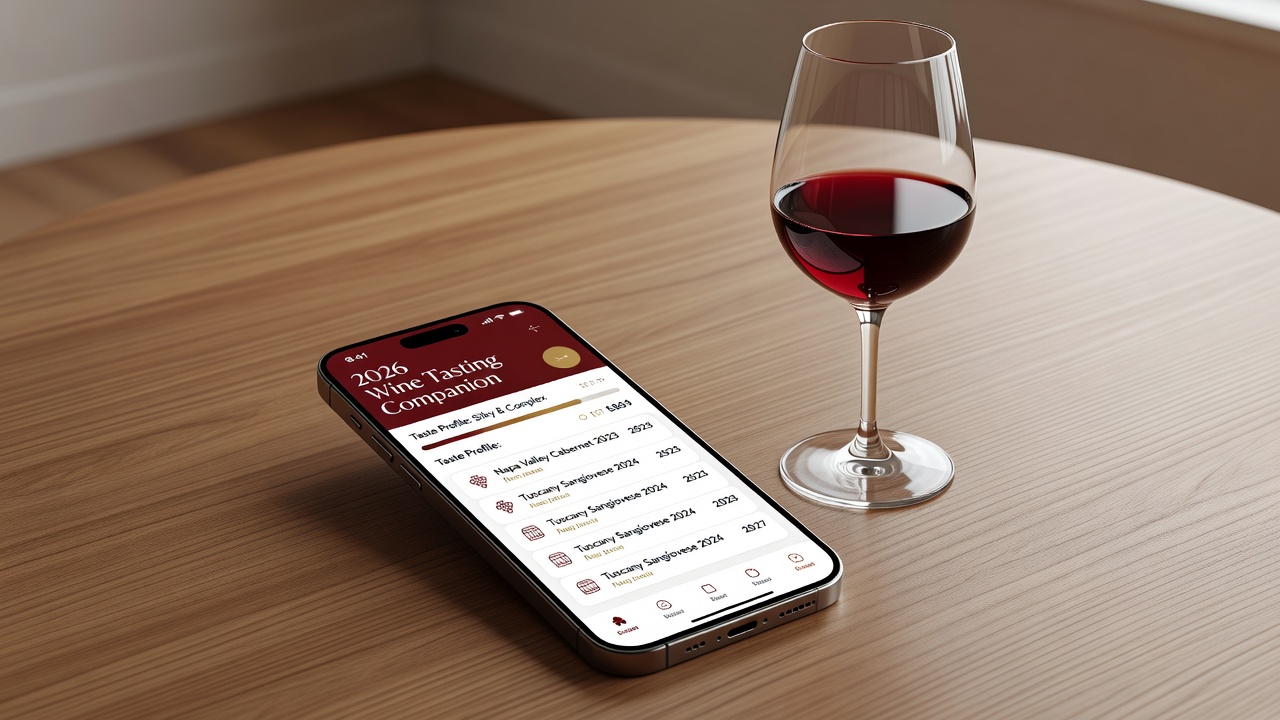
Wine enthusiasts in 2026 are turning to specialized mobile apps to capture tasting notes and assign precise scores with greater consistency and ease. These tools help streamline the process of documenting aromas, flavors, textures, and overall impressions, replacing traditional notebooks with searchable, shareable digital records. Whether you are a casual taster or building a personal cellar database, modern apps offer structured templates, photo integration, and community-driven scoring systems that enhance accuracy over time. The demand for better organization stems from the growing complexity of wine selections worldwide, where thousands of new releases appear each vintage. Apps now incorporate AI-assisted suggestions for descriptors and pair notes with external data sources for deeper context. This evolution supports enthusiasts seeking tech solutions that make vino reviews more efficient and insightful, allowing users to track personal preferences across regions and vintages with minimal effort.
Digital tools also facilitate sharing workflows, enabling groups to compare notes in real time during virtual or in-person tastings. As the industry evolves, privacy features and cross-device synchronization have become standard, ensuring that detailed tasting histories remain secure yet accessible. Enthusiasts who adopt these platforms often report higher engagement with their collections and improved ability to recall specific wine characteristics months or years later.
Top Wine Tasting Apps Compared in 2026
Several standout applications dominate the market for recording and organizing tasting data. Key options include Vivino, CellarTracker, and Delectable, each with distinct strengths in note-taking and scoring workflows. Vivino excels at community ratings and barcode scanning for quick lookups, while CellarTracker provides robust database management for serious collectors. Delectable focuses on visual tasting interfaces that appeal to social sharers. Additional contenders such as Wine-Searcher and Vivino alternatives like Coravin app integrations round out the landscape for users prioritizing market pricing data alongside notes.
When comparing these tools, consider factors like cross-platform availability, export options, and integration with external scoring frameworks such as the 100-point scale used by critics. Users report improved consistency when apps enforce structured fields for appearance, nose, palate, and finish during entry. Vivino offers seamless social features and a vast global database exceeding 10 million wines, making it ideal for beginners. CellarTracker stands out for advanced filtering and inventory tracking, appealing to collectors managing thousands of bottles. Delectable emphasizes high-quality photography and quick scoring sliders, which speed up sessions for frequent tasters.
- Search and Discovery: Apps with strong databases allow instant matching of wines to existing reviews, reducing duplicate entries and providing instant context from community scores.
- Scoring Precision: Built-in calculators help balance subjective impressions against objective metrics, often aligning with systems from publications like Decanter or Robert Parker.
- Collaboration Features: Some enable group tastings with shared note templates, allowing real-time updates visible to all participants.
- Export and Backup: Look for CSV or PDF export capabilities to maintain ownership of your data long-term.
Step-by-Step Setup Guide for Wine Tasting Apps
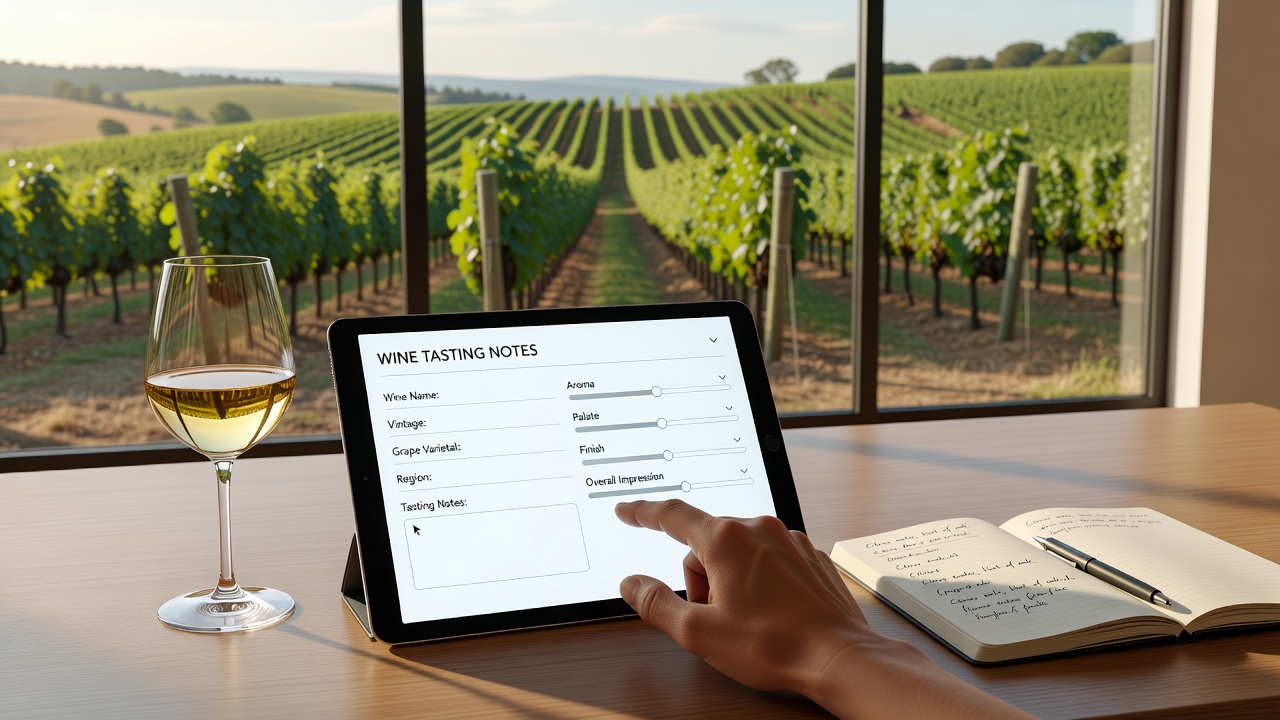
Getting started with a new tasting app involves a few straightforward steps that ensure optimal customization from day one. First, download the application from your device's official store and create an account using email or social login. Verify your email promptly to unlock full features such as cloud backup. Next, customize your profile by selecting preferred scoring systems and descriptor libraries to match your tasting style, whether you prefer the 100-point scale or the 20-point system favored in some European circles.
Import any existing notes from spreadsheets or previous apps via CSV upload where supported, mapping columns carefully to avoid data loss. Set up notification preferences for reminders during scheduled tastings or when new vintages become available. Finally, test the entry workflow with a sample bottle to familiarize yourself with photo capture, voice-to-text notes, and tag assignments. Advanced users should explore premium settings for API connections that allow automatic syncing with external wine databases.
Real-World Examples of Digital Tasting Entries
Consider a typical entry for a 2024 Cabernet Sauvignon from Napa Valley. The app prompts fields for color intensity, primary aromas like blackcurrant and cedar, palate weight, acidity level, tannin structure, and a final score out of 100. Users can attach a label photo and add personal tags such as "cellar worthy" or "pair with grilled steak." Detailed notes might read: "Deep ruby color with garnet edges. Nose shows ripe black fruit, graphite, and subtle oak spice. Palate delivers full body, balanced acidity, and firm tannins that suggest aging potential through 2035."
Another example involves a blind tasting session where multiple tasters log notes anonymously before revealing scores. The app aggregates data to highlight consensus on key attributes, revealing patterns that improve individual accuracy over repeated sessions. A third scenario could involve logging a vertical tasting of the same wine across five vintages, using comparative charts generated automatically by the software to visualize evolution in structure and aroma development.
Integrating Apps with Wine Scoring Systems
Seamless integration with established scoring frameworks elevates the value of these tools. Many apps support direct export to platforms used by professional critics or allow syncing with personal spreadsheets for advanced analysis. This connectivity ensures notes remain compatible with broader review ecosystems. Practical tips include mapping your app's custom fields to standard 100-point criteria and using API connections where available for automated score calculations. Enthusiasts who regularly integrate their data see measurable gains in tracking vintage variations and personal preference trends. For instance, linking to Wine-Searcher can automatically pull average market prices to contextualize scores with value assessments.
Case Studies: Improved Accuracy and Sharing Workflows
One collector documented a 25% increase in note consistency after switching to structured app templates, citing better recall during follow-up tastings months later. The structured prompts helped eliminate vague language and encouraged more precise descriptors. Another user leveraged sharing features to collaborate with a tasting group across three continents, resulting in refined scoring through collective feedback loops and shared reference wines. A third case study highlights a sommelier who used app analytics to identify blind spots in her palate, such as under-scoring acidity in white wines, leading to targeted training and improved professional reviews.
Mistakes to Avoid When Using Wine Tasting Apps
Common pitfalls include rushing entries without completing all fields, which leads to incomplete data that becomes hard to analyze later. Another mistake is neglecting regular backups or failing to review privacy settings before sharing notes publicly. Users should also avoid over-relying on AI suggestions without verifying them against their own sensory experience, as this can dilute personal tasting development. Finally, ensure device permissions for camera and microphone are granted properly to prevent workflow interruptions during live tastings.
Conclusion
Adopting the right wine tasting app in 2026 transforms how enthusiasts document and refine their reviews. By leveraging comparisons, guided setups, and integrations, users achieve more organized, accurate, and shareable records that enhance their overall appreciation of wine. Experiment with free tiers first, then scale to premium features as your collection grows.
FAQ: Selecting Apps and Addressing Privacy
How do I choose the best app for my needs? Evaluate based on your focus—community features for social tasters or database depth for collectors—and test free versions before committing. Consider your device ecosystem and whether you need offline functionality.
What about data privacy? Review each app's policy on data storage and sharing. Opt for services with end-to-end encryption and clear controls over public versus private entries. Check for compliance with regulations like GDPR if you are in Europe.
Can apps sync across devices? Most premium versions offer cloud sync, allowing seamless access from phone to tablet during tastings. Confirm that your chosen app supports multi-device login without extra fees.
Are there any costs involved? Many apps offer robust free tiers, while premium subscriptions typically range from modest monthly fees as of 2026-06-30; always verify current pricing directly in the app store.
How do integrations with scoring systems work in practice? Start by exporting sample data and testing compatibility with sites like Decanter resources or professional review platforms.

No comments yet. Be the first!