 Uncorked Conversations
Introduction to Tech-Enhanced Wine Tasting
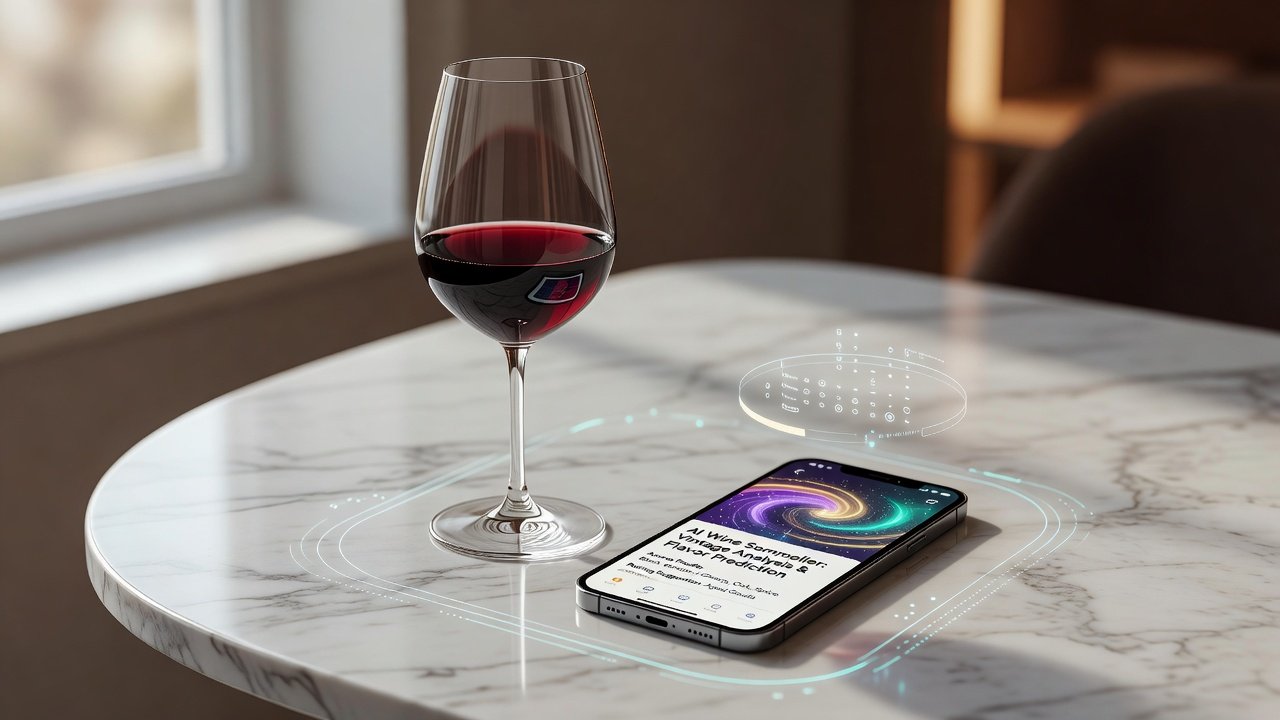
Mastering wine tasting has traditionally required years of practice and guidance from experts. In 2026, technology transforms this process for beginners by providing accessible tools that analyze flavors, track notes, and offer personalized recommendations. This guide explores how apps, AI platforms, and digital resources help refine tasting skills through structured methods like flavor mapping and consistent note-taking. Whether you're exploring Cabernet Sauvignon or experimenting with lesser-known varietals, these resources align with modern search intent for tech-driven wine education. They bridge the gap between casual sipping and professional-level discernment by delivering data-backed insights directly to your device. Beginners no longer need access to exclusive cellars or in-person classes to build expertise; instead, they can leverage algorithms trained on millions of user submissions and expert databases to accelerate learning.
Technology also supports repeatability. By logging every tasting session digitally, users create personal datasets that reveal patterns in their palate preferences over months or years. This data-driven approach reduces guesswork and fosters confidence when selecting wines at restaurants or stores.
Popular Apps and AI Tools for Wine Beginners
Several established platforms stand out for their user-friendly interfaces and data-driven insights. Vivino remains a leader with its vast database of user reviews and photo-based identification. CellarTracker offers robust tracking for personal collections, while newer AI integrations in apps like Delectable use machine learning to suggest pairings based on tasting notes. Wine-Searcher adds global pricing transparency and availability checks, helping beginners understand market context without leaving the app ecosystem. These tools leverage algorithms trained on millions of tasting records to identify patterns in aroma, acidity, and tannins. Beginners benefit from features that break down complex descriptors into simple categories, making the learning curve less steep. AI components often include image recognition for labels and predictive models that forecast how a wine might evolve with age.
Step-by-Step Tutorials on Flavor Mapping
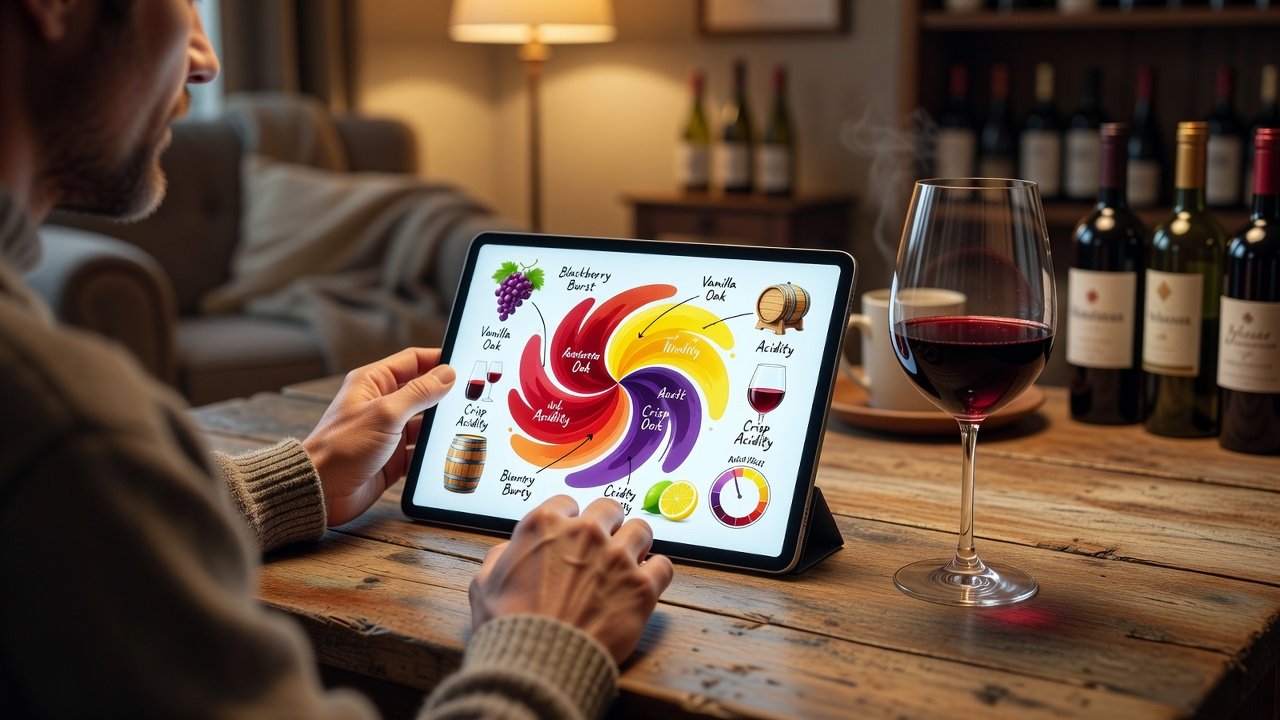
Flavor mapping involves visually or digitally charting a wine's sensory profile. Start by selecting a platform with mapping capabilities, such as those integrated with Vivino's tasting interface. Follow this expanded process for best results: First, pour a small sample in a clean glass and observe color and clarity under neutral lighting. Second, note initial aromas without referencing the app to train your independent senses. Third, open the app and scan the label or search the wine to load baseline data from the community database. Fourth, use the flavor wheel or map tool to drag elements like blackberry, oak, or citrus onto a digital grid while adjusting intensity sliders for precision. Fifth, compare your inputs against AI suggestions derived from similar wines in the database and adjust for personal perception. Sixth, save the map and set a reminder to revisit it after a few days to track how your palate evolves with repeated exposure. This method builds muscle memory for descriptors. For example, mapping a Pinot Noir might reveal clusters around red fruit and earth notes, helping you distinguish it from similar light reds in future tastings. Variations include collaborative mapping with friends via shared app sessions or exporting maps to printable charts for offline study.
Comparing Free and Paid Features
Free tiers typically include basic scanning, community reviews, and simple note storage that suffice for casual users starting their journey. Paid subscriptions unlock advanced AI analysis, detailed regional data, and ad-free experiences along with export options and deeper statistical breakdowns of tasting trends. Users often find that starting with free options allows experimentation before committing to premium analytics. The decision depends on how frequently you taste and whether you value predictive insights or historical comparisons. Many apps offer trial periods so beginners can test premium layers without immediate cost.
Real Examples of Note-Taking During Tastings
Consider a session with a 2024 Napa Valley Chardonnay. Using a digital notebook within an app, record: Pale gold color, aromas of lemon zest and toasted almond, medium acidity with a creamy finish. The AI then suggests similar wines and highlights potential aging potential based on historical data from comparable bottles. Another example involves a blind tasting of three reds including a Bordeaux blend, a Syrah, and a Malbec. Note each sequentially in the app, tagging attributes like high tannin or floral finish while timing the finish length. Over time, these entries create searchable archives that reveal personal preferences, such as a tendency toward earthy profiles. A third scenario covers a sparkling wine tasting where you log bubble persistence and sweetness levels, then cross-reference with AI-generated food pairing ideas for upcoming meals.
Practical Integration Tips with Daily Routines
Incorporate these tools into everyday life by setting a weekly tasting ritual, perhaps during dinner prep. Sync app notifications with calendar reminders to log impressions immediately after opening a bottle. Pair sessions with cooking by using pairing suggestion features to match wines with meal ingredients. For travel or restaurant visits, enable offline modes to access saved maps without connectivity. Expand further by reviewing weekly summaries generated by the app to identify areas for improvement, such as under-noted acidity levels. Join virtual tasting communities linked through the platforms for shared feedback. Track progress monthly by exporting data and comparing early notes to recent ones. Consistency matters more than frequency. Even brief 10-minute sessions build skills faster than sporadic deep dives. Integrate with existing habits like evening reading by keeping the app open on a tablet while enjoying a glass.
Additional Benefits and Common Pitfalls
Beyond core features, tech tools provide educational modules on wine regions and grape varieties that complement hands-on practice. They also facilitate inventory management for home cellars, preventing forgotten bottles. However, avoid over-reliance on AI suggestions alone, as they represent averages rather than personal experience. Another pitfall is neglecting to calibrate your own senses by always deferring to app prompts instead of recording first impressions manually. Cross-reference multiple apps when possible to gain balanced perspectives.
Short FAQ on Accuracy and Privacy Concerns
- How accurate are AI tasting suggestions? AI models draw from extensive user-submitted data, but individual palates vary; treat suggestions as starting points rather than absolutes and combine them with guidance from sources like Wine Magazine.
- Are my tasting notes private? Most platforms allow private settings, though community features may share anonymized data. Review each app's policy before uploading sensitive information.
- Can tech replace in-person classes? Tools supplement education but work best alongside occasional professional guidance and resources such as TTB.gov for regulatory context on wine production.
- What happens if the app database lacks a specific wine? Manual entry options exist, and users can contribute photos to expand collective knowledge over time.
- How do updates in 2026 affect older notes? Most platforms maintain backward compatibility while adding new AI layers that re-analyze historical entries for fresh insights.
Conclusion
By embracing apps and AI in 2026, beginners gain structured pathways to develop sophisticated tasting abilities. Regular use of flavor mapping, detailed note-taking, and routine integration turns casual interest into lasting expertise. Explore these resources to elevate your next glass of wine while staying mindful of both the opportunities and limitations technology presents.
No comments yet. Be the first!